· Akira Agent
AI agent for agencies: CRM updates, email follow-up, and calendar booking
Agencies lose time when client notes, lead emails, CRM fields, and meeting follow-ups live in different places. A focused AI agent can clean up the admin without taking over the relationship.
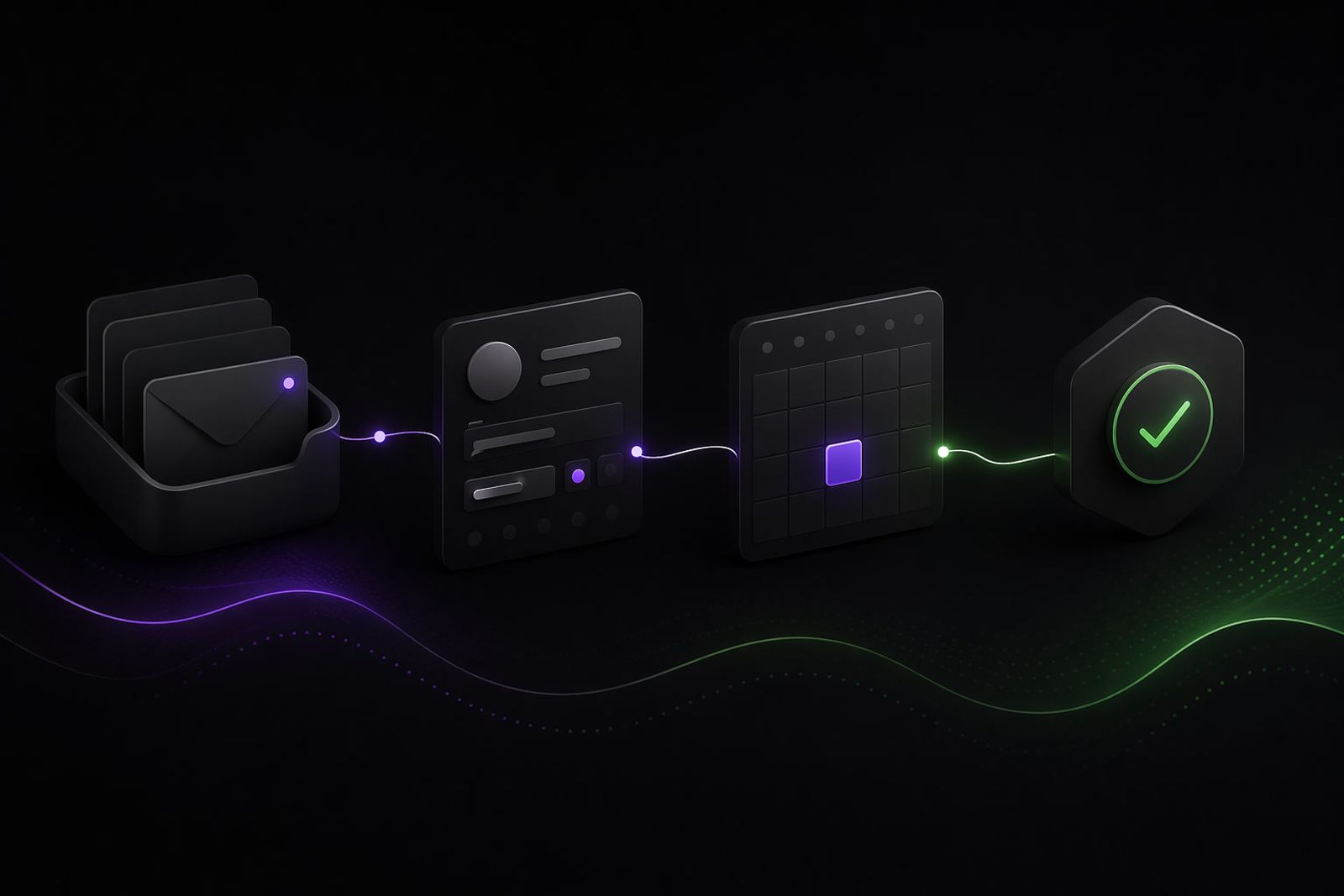
Agency admin is death by tiny delays
A lead replies. Nobody updates the CRM. A client asks for a meeting. Someone checks three calendars. A strategist takes a call, but the next step stays in a notebook. A proposal follow-up is drafted, then forgotten.
None of this feels dramatic. That is why it spreads.
An AI agent for agencies can help if it is built around the boring operational layer: CRM updates, email triage, calendar coordination, task creation and follow-up drafts.
It should not replace account managers. It should remove the sludge around them.
The workflow to look for
The best agency workflows have three traits:
- The same kind of admin happens every week.
- The information already exists in email, CRM, calls or calendars.
- A human still needs control over sensitive client communication.
That usually points to a draft-and-approve agent, not a fully autonomous agent.
CRM updates from email and calls
Agencies often have a CRM problem that is really a behaviour problem. People know they should update records. They just do it late because client work feels more urgent.
An agent can read approved email threads or call summaries and draft CRM updates:
- contact role
- company need
- budget signal
- timeline
- next meeting
- last touchpoint
- promised follow-up
- risk or blocker
If confidence is high, the agent can write low-risk fields. If the note includes judgement, pricing, complaints or strategic context, it can ask for approval.
HubSpot's official API documentation shows how CRM systems expose data for integrations. The exact CRM matters less than the permission design.
Email follow-up without the cringe
Nobody wants an AI agent spraying generic follow-ups at clients. That is how trust gets burned.
Use the agent for drafts:
- "Thanks for the call" summary
- meeting recap
- missing-material reminder
- proposal follow-up
- next-step confirmation
- internal handoff note
The human approves the message before it leaves. Over time, the agent learns the agency's tone, but the account owner stays responsible.
This is different from a generic follow-up sequence. It is tied to actual context from the CRM, inbox and calendar.
Calendar booking is useful, but only with rules
Calendar automation sounds simple until it touches senior people, client preferences and time zones.
Google's Calendar API overview and Microsoft's Graph overview show the kinds of calendar and productivity integrations available. The implementation work is deciding what the agent is allowed to do.
Good rules:
- never move an existing client meeting without approval
- avoid booking over protected focus blocks
- offer time windows, not random slots
- ask before inviting external guests
- include agenda and context in the event
- escalate if the meeting involves pricing, contracts or conflict
Data protection and permissions
Agency inboxes contain personal data and confidential client information. GDPR still applies. IMY's data protection guidance is the safer starting point when vendors or AI systems process data on your behalf.
Be strict with access:
- use least-privilege permissions
- start with selected inboxes or labels, not the entire company mailbox
- log what the agent reads and writes
- require approval before external sends
- avoid feeding unnecessary client files into the agent
- define retention for summaries and transcripts
The first version should feel almost conservative. That is a good thing.
A sample agency agent flow
A new lead emails the agency after reading a case study.
The agent:
- labels the email as new business
- checks whether the company exists in the CRM
- drafts a CRM note with the need, source and urgency
- suggests two meeting windows from the sales calendar
- drafts a reply for a human to approve
- creates a follow-up task if nobody responds within two business days
That is not flashy. It saves the kind of mental overhead that makes teams sloppy.
Decision math
Try this with real numbers:
- account and sales staff involved: 8
- admin time lost per person per week: 2 hours
- percentage suitable for agent-assisted drafting or updates: 35%
- blended hourly cost: 650 SEK
Potential monthly value: 8 × 2 × 4.3 × 0.35 × 650 = 15,652 SEK.
If that number is too low, do not build yet. Pick a more painful workflow.
Where Akira fits
Akira builds custom AI agents for workflows that cross email, calendar, CRM and human approval. Agencies are a good fit because the work is repetitive but relationship-sensitive.
Start from the Akira agencies page if you want the industry view.
Book the audit
Book the 30-minute Akira Agent audit if your agency is losing time to CRM cleanup, follow-up drafting or calendar coordination.
We will map one workflow, define what the agent can read and write, set approval rules, and decide whether the saved time justifies a build.